Roby
IS ONLINE
Six wheels, two glowing eyes, and a speaker that won't stay quiet. ROBY drives himself in auto-demo mode, dances on command, and lights up every room he rolls into.
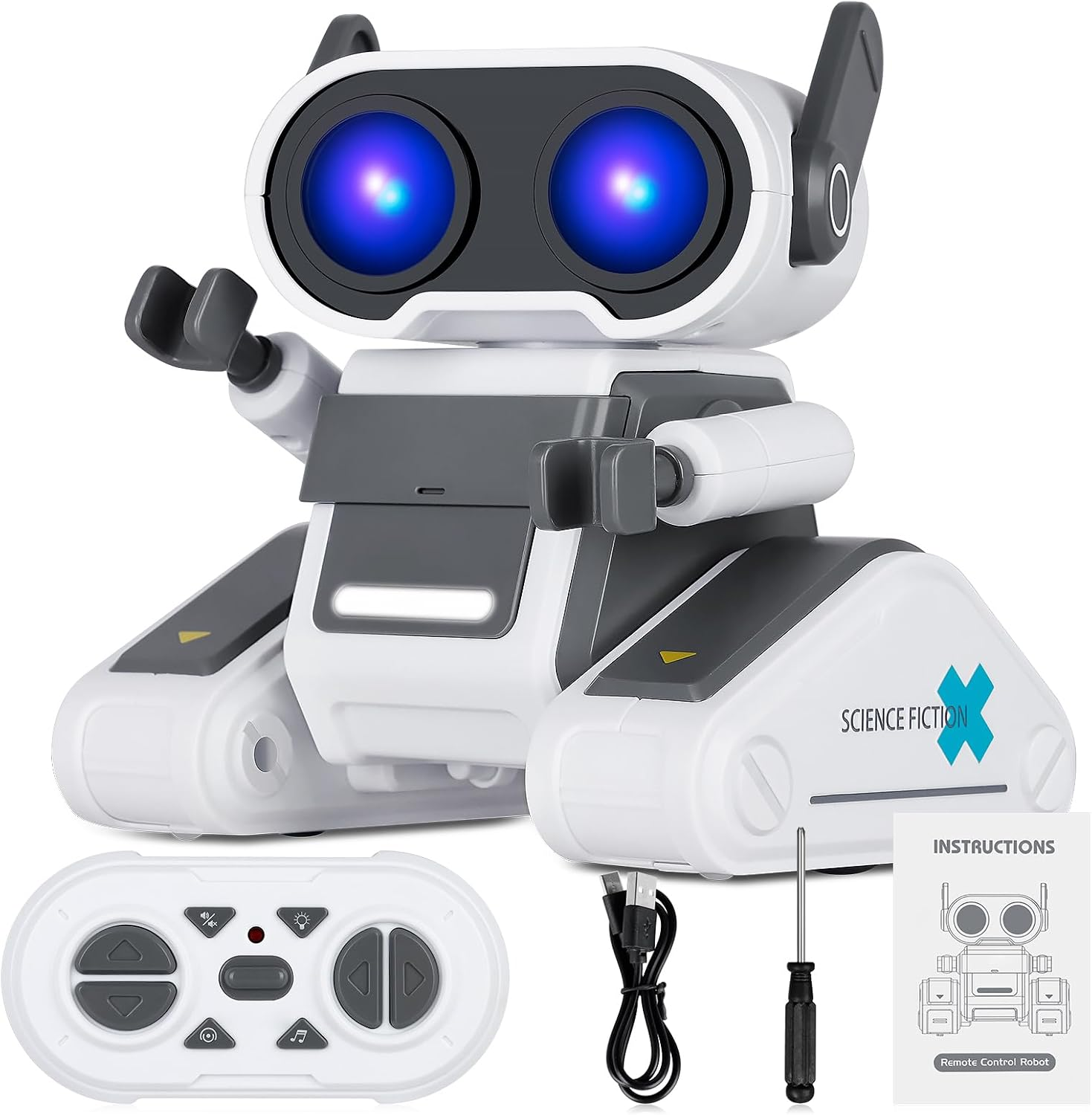
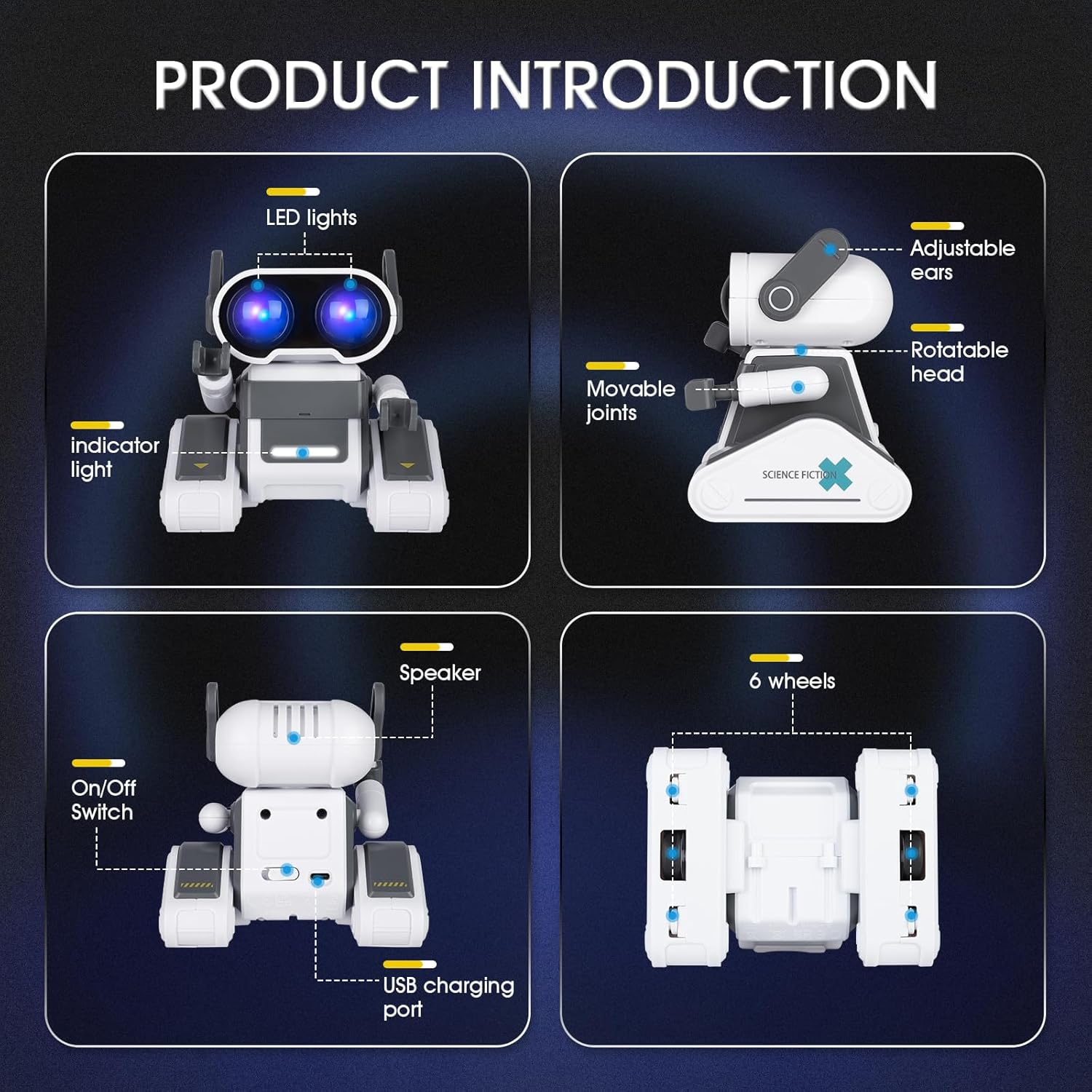
Anatomy Of Roby
Every panel, joint, and light is doing something. Here's the full rundown, straight from the build.
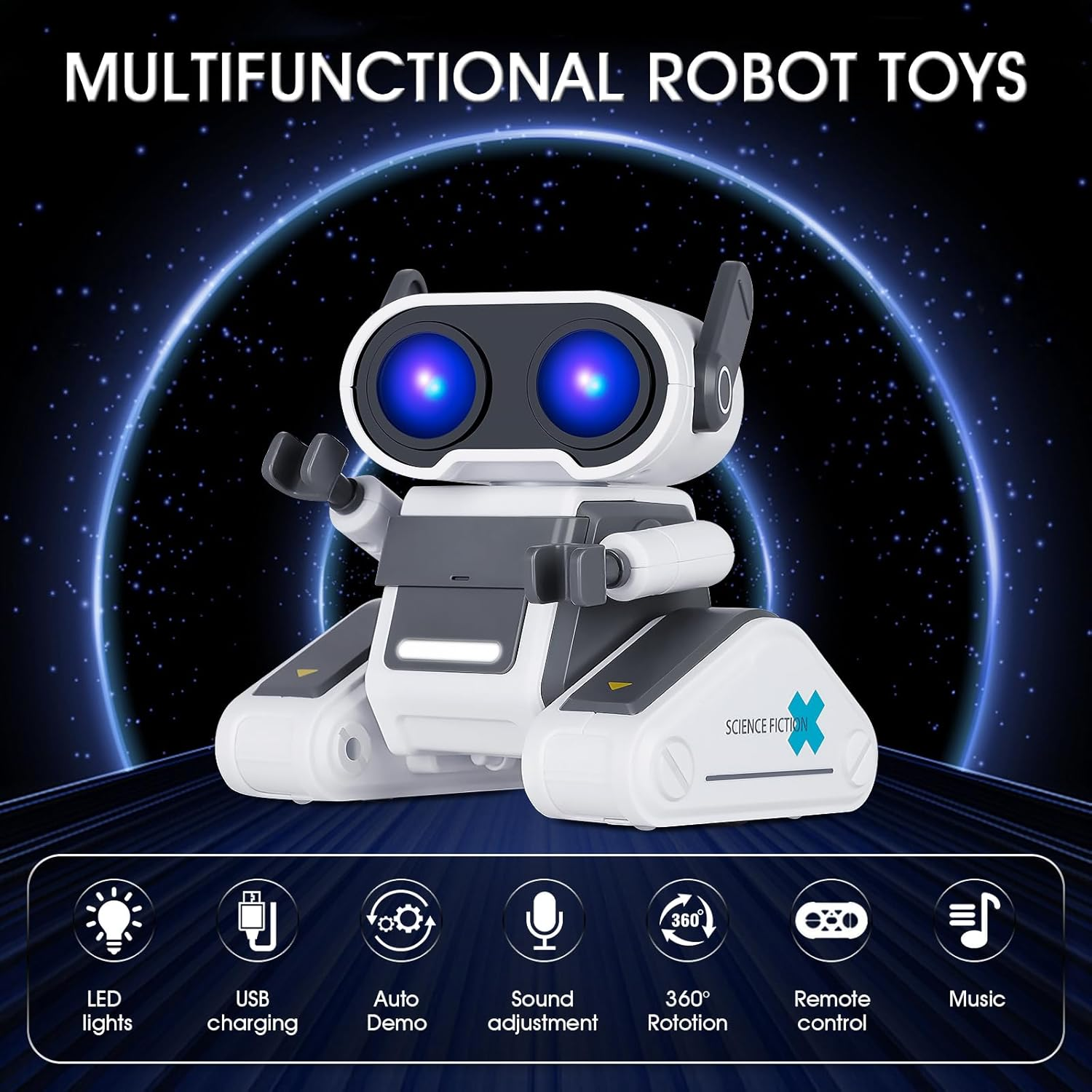
What He Can Do
Seven core functions, all packed into one six-wheeled chassis.
LED Lights
Eyes glow in shifting blue-violet for every mode and mood.
USB Charging
Rechargeable over USB-C — no battery drawer required.
Auto Demo
Set him loose and he runs his own showcase routine, hands-free.
Sound Adjustment
Dial volume up for a party or down for a quiet bedroom shift.
360° Rotation
Head and chassis turn a full circle to face wherever you are.
Remote Control
Drive, turn, and trigger actions from the included handset.
Music
Plays sound effects and tracks straight from his onboard speaker.
Roby, From Every Angle
Three views of the full build — what's in the box, what's under the shell, and what lights up.
Everything He Ships With
Charge Him Up. Power Him On.
Roby ships ready to wake up — just plug in, switch on, and hand him the remote.
Shop The Roby Robot